
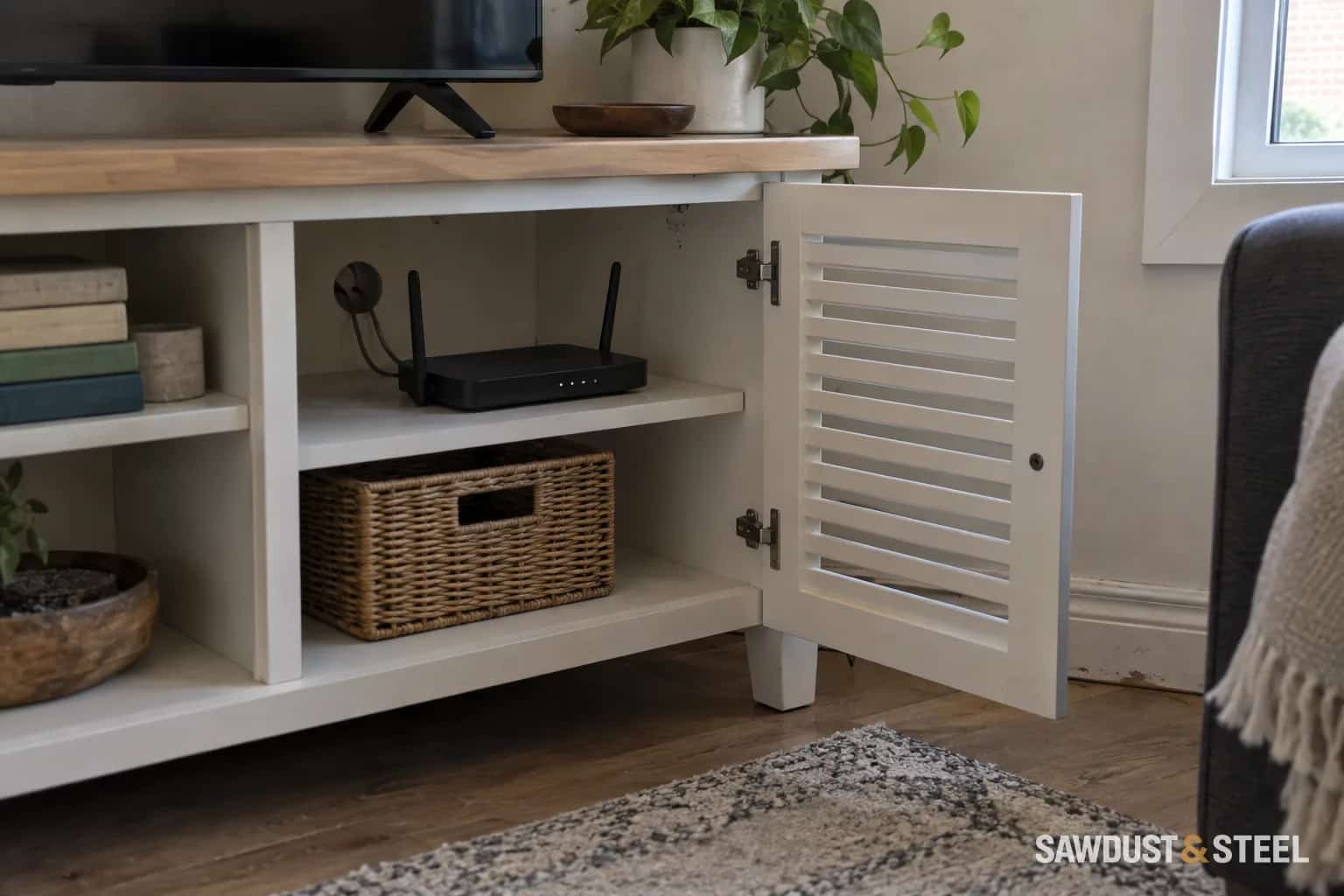
The dimensions on an amplifier's product page usually describe the box. Your cabinet also has to accommodate the connections, ventilation and the person who eventually changes the HDMI cable. Those details belong in the drawing before the doors are painted.
Measure the equipment with its cables connected
List the receiver, game console, streaming box and any other powered equipment separately. Find each model's installation instructions. Measure the connectors and the space needed for cables to bend without being crushed. Include front controls, disc trays, USB devices and any ventilation openings on the sides or rear.
The Denon AVR-X5200W troubleshooting guide links overheating protection with inadequate ventilation and discusses obstructions affecting remote operation. Use the manual for your actual equipment to establish its permitted installation and clearances. A cabinet that works for a low-power streaming box is not automatically suitable for an AV receiver.
Air path
Show where cooler air enters and warmed air leaves without being trapped behind a closed door.
Cable path
Provide room for connectors, bends and accessible routing between equipment bays.
Service path
Make it possible to reach plugs and remove each device without dismantling the cabinet.
Evaluate the arrangement as it will actually be used
An open door during setup can hide a problem that returns every evening when the door closes. Slats, perforations or an open back may help, but their usefulness depends on the equipment and the complete airflow route. A rear opening pressed against a wall is not the same as an unobstructed exit.
If powered cabinet ventilation is proposed, have it selected for the equipment and enclosure rather than using it to excuse clearances the manufacturer forbids. Keep vents clean and accessible. Do not stack devices over another unit's cooling openings unless their instructions allow it. Repeated shutdowns or abnormal heat call for investigation, not a stronger shelf.
Try the proposed door before ordering a full set
Some remotes need an infrared line of sight; others use radio or network control. Test the actual controller through a sample of the door material at normal seating positions. Slatted fronts can obstruct an infrared receiver depending on their angle. If a repeater is needed, choose a compatible system and give its receiver and wiring a planned location.
Keep speaker and soundbar placement consistent with their instructions. Do not assume placing a speaker behind a decorative panel preserves its sound or ventilation. The router cabinet guide covers wireless equipment separately; it is not a substitute for the receiver's cooling requirements.
Give future cable changes a fighting chance
Use accessible cable routes and identify both ends of similar leads. Do not bury extension cords in walls or conceal required electrical access behind permanent joinery. Have new or relocated outlets planned by an appropriate electrical professional; Ontario's ESA contractor lookup can help verify a contractor. Finish by testing the normal equipment setup with the cabinet in its intended operating condition.